Nearly half of all Google searches are people looking for something local. A salon near them. A massage therapist open Saturday. A chiropractor with great reviews.
And for most of them, the very first thing they see is your Google Business Profile. Not your website. Not your Instagram. That little box on Google with your photos, your stars and your hours.
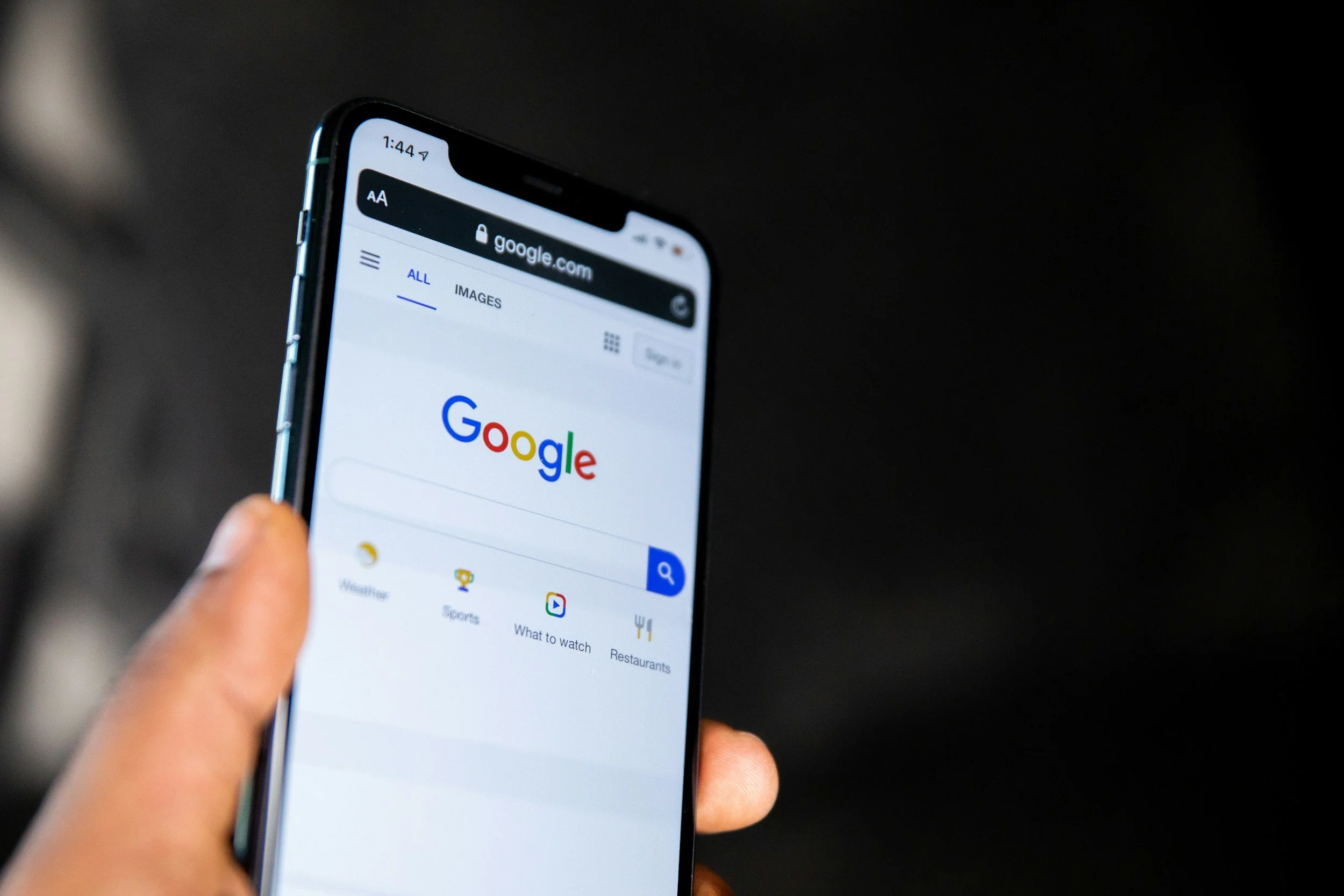
In this post, I'm walking you through how your Google Business Profile and your website work together, why one without the other leaves clients (and money) on the table, and the simple steps to make sure the handoff between the two is smooth.
Here's the short answer: your Google Business Profile gets people interested, and your website is what convinces them to book. You need both, and they need to match.
The salon owner in me gets this one
I've been a licensed cosmetologist for over 18 years, and I can't tell you how many new clients told me "I found you on Google." Back then, that was kind of a mystery to me. I didn't really know how they found me, or what they saw before they called. (I share more about those years in From Beauty School to Website Designer.)
Now I know. And I want you to know too, because it's one of the easiest ways to bring in new clients without posting a single reel.
What Is a Google Business Profile and Why Does It Matter?
A Google Business Profile is the free listing that shows your business on Google Search and Google Maps, with your hours, reviews, photos and a link to your website. For local service businesses, it's often the very first impression a new client gets.
When someone searches "massage near me" or "hair salon in [your town]," Google shows a map with a handful of businesses at the top. That's called the local pack, and it's built from Google Business Profile information.
Whitespark's 2026 Local Search Ranking Factors report found that local search has stayed surprisingly steady even as AI changes everything else about Google. When someone needs a local business, Google still shows those map results, and they still come from your profile.
Translation: your Google Business Profile is still one of the most powerful (and free!) marketing tools you have.
If I Have a Google Business Profile, Do I Still Need a Website?
Yes. Your profile gets you found, but your website is what builds enough trust for someone to actually book. Most people click through to your website before they commit, especially for services that involve their hair, skin or body.
Think about it from the client's side. She's choosing someone to touch her hair, her skin or her sore shoulders. That's personal. She wants to see your work, understand your services, check your prices and get a feel for who you are before she books.
Your Google profile can't do all of that. Your website can.
According to BrightLocal, 74% of consumers use their smartphone to search for local services, and over half expect to book right from those search results. So when she taps that "Website" button on your profile, your site needs to load fast, look great on her phone and make booking easy.
What Happens When Your Profile and Website Don't Match?
Clients get confused, lose trust and often leave. If your hours, prices, services or even your business name are different in two places, people wonder which one is right. Google notices too.
Here are the mismatches I see most often:
Different hours. Your profile says you're open Sundays, your website says you're not.
Old services. Your website still lists that service you stopped offering two years ago.
A broken or missing website link. Or a link that goes to your old Facebook page.
Outdated photos. Your profile shows your old space (or your old hair color, haha).
Different phone numbers or addresses. This is a big one for Google, which wants your info to be the same everywhere.
None of these are huge on their own. But together, they make a potential client hesitate. And a hesitating client usually keeps scrolling.
How Do I Make My Google Business Profile and Website Work Together?
Make sure your info matches everywhere, link your profile to the right page on your website, and keep both updated whenever something changes. Think of them as teammates, not two separate things to manage.
Here's my simple checklist:
Claim and verify your profile at business.google.com if you haven't already.
Match your name, address and phone number exactly on your profile, your website and Bing Places (this is often called NAP: name, address, phone).
Link to your homepage or your booking page, whichever makes it easiest for a new client to book.
Add your services and prices to your profile so they match your website.
Upload fresh photos of your space, your work and you. Real photos build trust.
Ask for reviews after great appointments, and reply to every review (yes, even the not-so-great ones).
Add your town or neighborhood to your website, like "Massage therapy in Downtown Hamilton" on your homepage and services page. This helps Google connect the dots.
Check both every few months. Put a reminder on your calendar.
That last step is the easiest one to forget, so pair it with my simple website maintenance checklist and check everything at once.
If you're on Squarespace and want to dig into the website side of this, my Squarespace SEO basics guide walks you through it step by step. (It was written for coaches, but every step works for salons, clinics and studios too.)
Does My Google Business Profile Affect AI Search Too?
Yes. Google's AI Overviews and other AI tools pull information about local businesses from places like your Google Business Profile, your website and your reviews. The clearer and more consistent your info is, the more likely you are to show up.
This is still new for a lot of small business owners, and I don't want you to stress about it. The good news is that the same basics that help you on Google also help you show up in AI answers: accurate info, great reviews and a website that clearly explains what you do and where you are.
If you want to go deeper, I wrote a whole post on how to get your website recommended by ChatGPT and AI search.
And for a plain-English version written just for local businesses, read How Do Local Salons and Studios Show Up in ChatGPT and Google's AI Answers?
Let's Make Sure Your Website Seals the Deal
Your Google Business Profile is doing a lot of heavy lifting to bring people to your door. Let's make sure your website finishes the job.
If you're not sure what new clients see when they click through from Google, my Homepage Refresh is a great place to start. In about a week, I'll redesign your homepage, write it in your voice, and match your name, address, phone and hours across your website, Google Business Profile and Bing Places, so your business is set up to be found and easy to book.
And if keeping your profile and website updated is one more thing you don't have time for, Business Support can take it off your plate. Google Business Profile updates, review requests and website changes are all part of it.
Frequently Asked Questions
-
Yes. Creating and managing a Google Business Profile is completely free. You can set one up at business.google.com.
-
Not really. Your profile helps people find you, but your website is where they learn about your services, see your work and feel confident enough to book. Most clients check both.
-
Usually your homepage, as long as it has a clear "Book Now" button near the top. If you have one main location and a simple booking flow, linking straight to your booking page can work too.
-
Any time something changes (hours, services, prices, photos), plus a quick check every few months. Adding new photos and replying to reviews regularly also helps.
-
Google and AI tools look for consistent information to decide whether a business is trustworthy. Mismatched hours, addresses or phone numbers can confuse both search engines and clients.