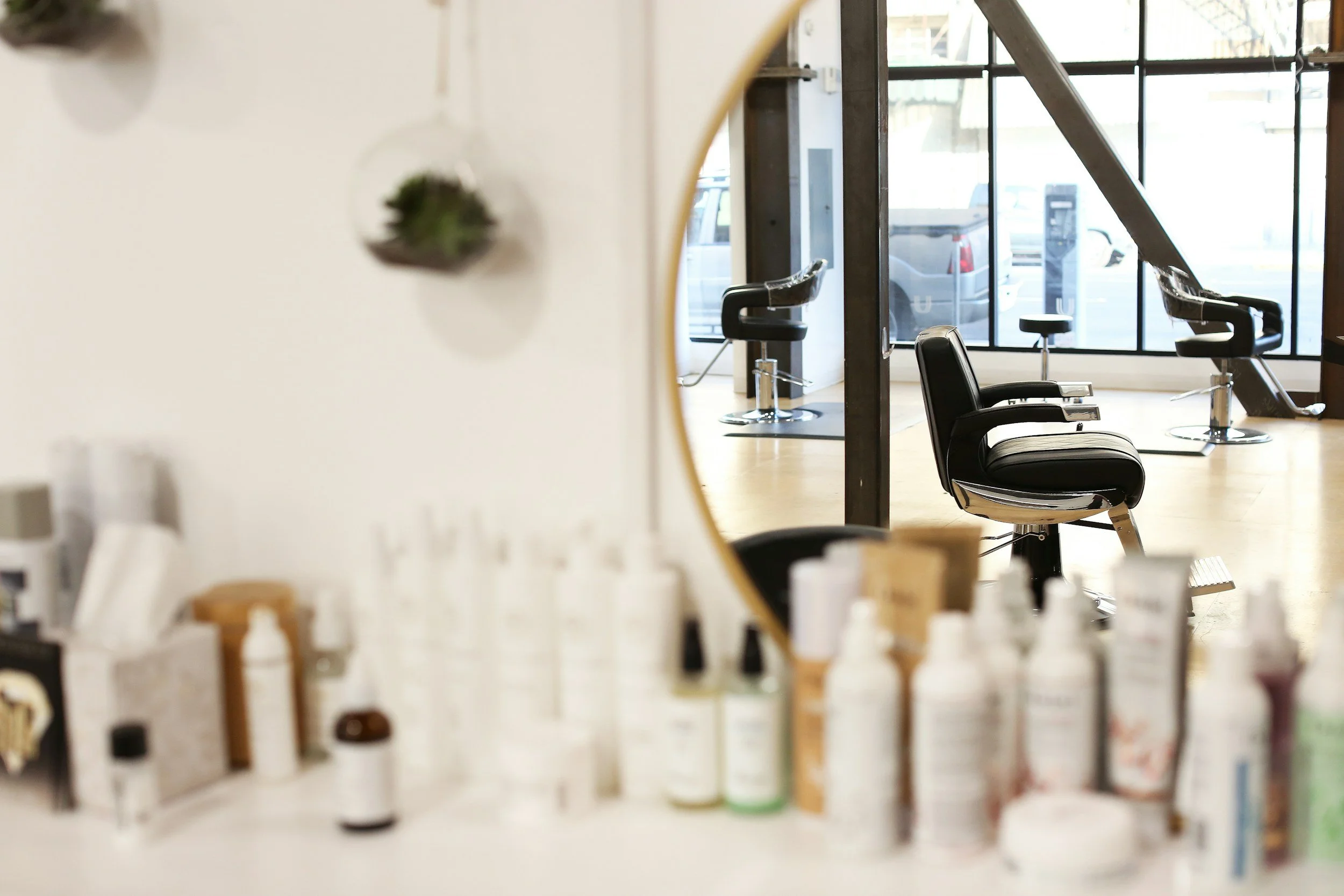
There's a special kind of frustration that comes from staring at an empty chair at 10:15 on a Saturday morning. You turned away two people for that slot. You prepped. You showed up. And they didn't.
If you run a salon, clinic, spa, studio or therapy practice (in person or online), you know exactly what I'm talking about.
In this post, I'm sharing how to use your website and booking system to cut down on no-shows, from deposits and cancellation policies to automatic reminders, so you can stop losing money (and sleep) over empty appointments.
Here's the short answer: most no-shows aren't about bad clients. They're about missing systems. Clear policies, a small deposit and automatic reminders handle most of the problem for you.
I've lived this one
I've been a licensed cosmetologist for over 18 years (here's my story), and I've had my fair share of no-shows. I used to take them so personally. I'd wonder if I did something wrong, or feel awkward bringing it up the next time they booked.
What I eventually learned is that most people who no-show aren't trying to be rude. They forgot. Their kid got sick. Life happened. And the businesses that handle this best aren't the ones with the strictest rules. They're the ones with the best systems.
Why Do Clients No-Show in the First Place?
Most clients no-show because they forgot, their plans changed and they didn't know how (or didn't feel comfortable) to cancel, or there was no real reason to remember. It's rarely personal, which means it's very fixable.
The most common reasons I've seen:
They booked weeks ago and simply forgot.
They didn't get a reminder, or the reminder went to an old email.
Cancelling felt awkward, so they just... didn't come.
They didn't know your policy, so they didn't realize a no-show mattered.
There was nothing on the line. No deposit, no commitment.
Every one of these has a simple fix. And most of the fixes live on your website and in your booking system.
Should Small Service Businesses Require Deposits?
For longer or higher-priced services, yes. A small deposit is one of the most effective ways to reduce no-shows, and most clients are completely comfortable with it. It shows commitment on both sides.
A lot of service providers worry that asking for a deposit will scare clients away. But according to a GetApp survey, 57% of consumers are comfortable paying for appointments online when they book, as long as the process feels secure and clear. That number has grown a lot over the past few years.
Here are a few ways to approach deposits:
Deposits for big services only. Color, extensions, 90-minute massages, initial assessments, bridal services.
Deposits for new clients only. Regulars who always show up don't need one.
A card on file instead of a deposit. You only charge it if they no-show or cancel last minute.
A flat amount or a percentage. $25 to $50, or 20 to 25% of the service, is common.
Most salon and spa booking platforms can collect deposits automatically when someone books online. No awkward conversations needed.
What Should My Cancellation Policy Say?
Keep it short, clear and kind: how much notice you need, what happens if they cancel late or no-show, and how to cancel or reschedule. Then make sure clients actually see it before they book.
Here's a simple example you can adapt:
"We know life happens! If you need to cancel or reschedule, please let us know at least 24 hours before your appointment by using the link in your confirmation email or calling us. Cancellations with less than 24 hours' notice, and missed appointments, will be charged 50% of the scheduled service."
That's it. Friendly, clear and fair.
Now here's the part most people miss. A policy only works if clients see it. Put it:
On your booking page, right before they confirm
On your services page or FAQ page
In your confirmation email
In your reminder texts
If your policy is buried on a page nobody visits, it might as well not exist.
Do Automatic Appointment Reminders Really Help?
Yes. Automatic reminders are one of the easiest ways to reduce no-shows, because the number one reason people miss appointments is that they simply forgot. And once they're set up, they run on their own.
This is one of my favorite "set it and forget it" systems. Here's what I recommend:
A confirmation right after booking, with the date, time, address and your cancellation policy.
A reminder 2 to 3 days before, with an easy link to reschedule if they need to.
A reminder the day before or the morning of, usually by text, since people actually read those.
That easy reschedule link is important. When cancelling is simple, people cancel instead of ghosting, which means you have time to fill the spot from your waitlist.
If you're curious about tools that handle this kind of thing for you, check out my post on the best automation software for small business owners.
How Does My Website Help Prevent No-Shows?
Your website sets expectations before clients ever book. When your services, prices, policies and booking process are clear, clients feel more committed and less likely to skip. A confusing booking experience leads to confused (and flaky) clients.
Here's my no-show prevention checklist for your website:
Online booking that's easy to find and use (more on this in my post on whether small businesses really need online booking).
Clear service descriptions so clients book the right appointment
Deposits or card on file turned on in your booking platform
Your cancellation policy visible on the booking page
A "what to expect" section for first-time clients
Automatic confirmations and reminders with a reschedule link
Think of it as part of your client experience. The smoother the process feels from the very first click, the more clients trust it (and respect it). I talk more about this in how to build a client onboarding process that feels high-end.
If you're wondering whether the rest of your client experience needs some love too, these 5 signs your client experience is suffering are a good gut check.
Let's Fill Those Empty Chairs
No-shows will probably never disappear completely. But with the right systems in place, they can go from a weekly headache to a rare annoyance.
If setting all of this up feels like one more thing on a never-ending list, I've got you. Grab my free guide, The First 5 Things to Take Off Your Plate, for a simple roadmap of what to hand off first so you can focus on your clients. [Note: link to the guide's opt-in page if you have one.]
And if you'd love someone to set up your booking settings, reminder workflows and intake forms for you, that's exactly what Business Support is for.
Frequently Asked Questions
-
Many salons and spas ask for 24 to 48 hours' notice to cancel, and charge 25 to 50% of the service for late cancellations or no-shows. Choose what feels fair for your business and make it easy to find.
-
Usually not. Most clients are comfortable paying a deposit online when the process is clear and secure. You can also require deposits only for new clients or longer services.
-
Two or three is a good rhythm: a confirmation right after booking, a reminder a few days before, and a text the day before or the morning of.
-
On your booking page right before clients confirm, on your services or FAQ page, and in your confirmation and reminder messages.
-
Most salon, spa and wellness booking platforms can. Check your settings for deposits, card-on-file and automatic reminder options.